Personalization & Artwork Guide
Personalizing Your Tea and Becky Design
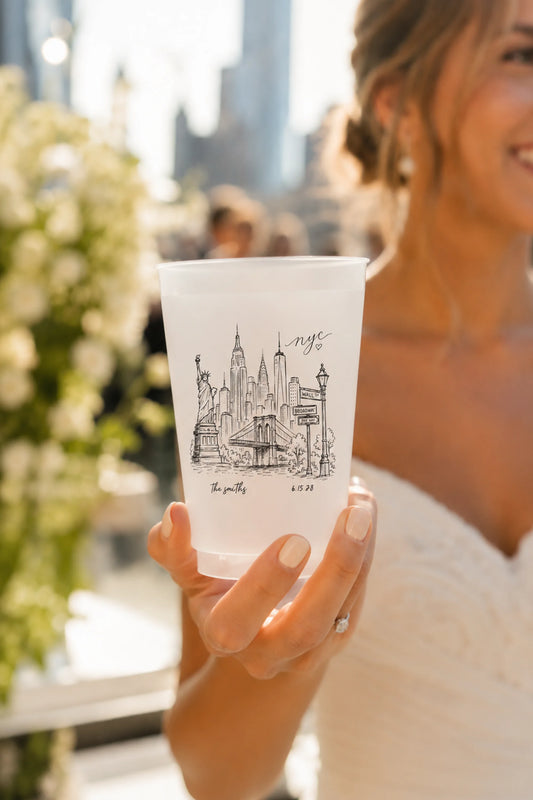
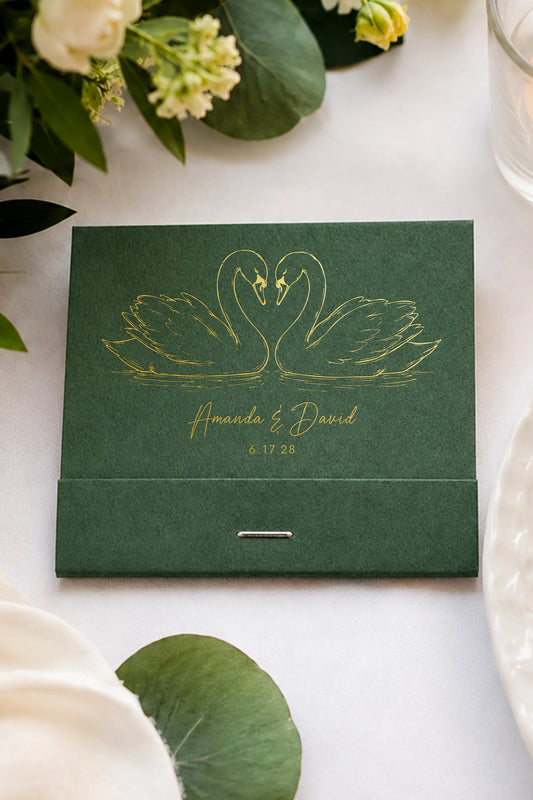
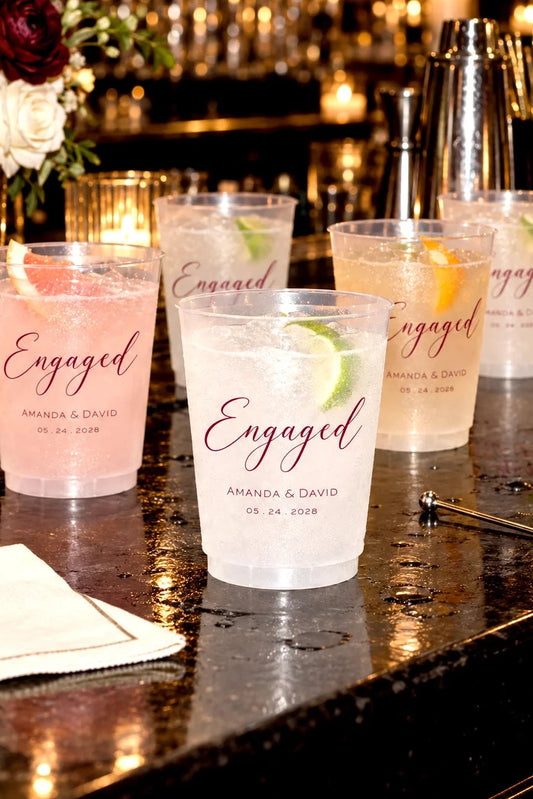
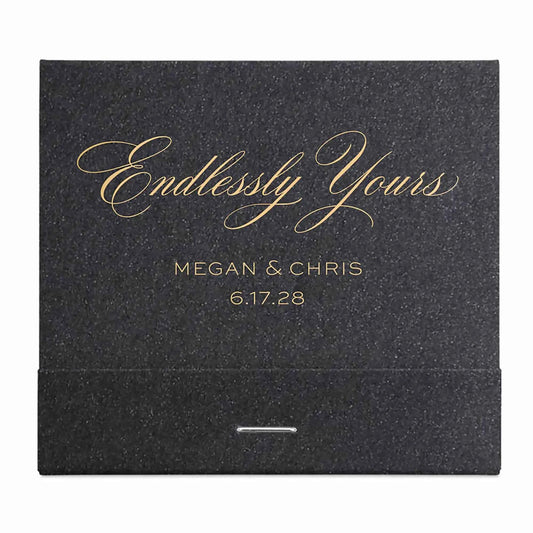
Tea and Becky makes it easy to personalize your favors directly on the product page using our Live Preview Tool.
Our products are personalized using the designs and options available in the customizer. We do not accept customer logos, custom artwork, outside designs, or files created in programs such as Canva or Adobe Illustrator.
Can I Use My Own Logo or Artwork?
No. We do not accept customer logos, wedding crests, monograms, illustrations, custom artwork, or outside design files.
Instead, you can personalize one of our existing designs using the options available in the Live Preview Tool on the product page.
What Can I Personalize?
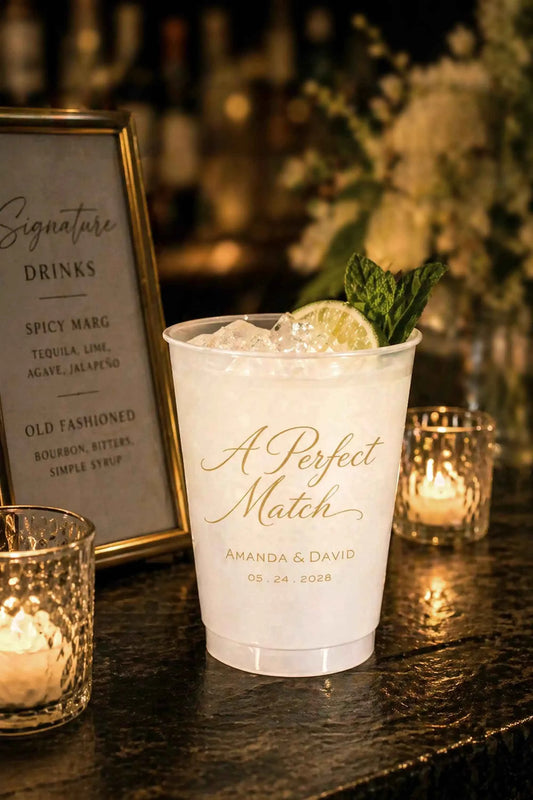
Personalization options vary by product and design and may include:
- Names
- Wedding or event dates
- Monograms or initials
- Custom wording
- Ink or foil colors
- Product colors
- Fonts, when offered for that design
The options shown in the Live Preview Tool are the personalization options available for that product.
Can I Use a Different Font?
If font choices are available for a design, they will appear in the Live Preview Tool.
Fonts that are not offered in the product customizer are not available for that design.
Can I Send a Canva, Illustrator, PDF, SVG, or Other Design File?
No. We do not accept outside artwork or design files for personalized orders.
You do not need to prepare or upload artwork. Simply personalize your chosen design using the Live Preview Tool on the product page.
Can You Recreate a Design I Found Somewhere Else?
No. We do not recreate outside artwork, logos, invitations, wedding crests, or designs from other sources.
Please choose from the designs available on our website and personalize them using the options provided for that design.
Can You Create a Completely Custom Design for Me?
No. We do not offer completely custom design or artwork services.
Our collection is designed so you can choose an existing Tea and Becky design and personalize it directly on the product page.
How Does the Live Preview Work?
Choose a product and click the Personalize Design button. Enter your personalization and select from the available options to see your design update directly on the product page.
What you see in the preview is what will be printed, so please review all names, dates, wording, spelling, colors, and other personalization carefully before placing your order.
Ready to Personalize?
Browse our designs, choose your favorite, and use the Live Preview Tool on the product page to create your personalized favors.